Whiz POS Mobile (Cashier App)
Efficiency on the Go.
Download for Android
Download Android APK - v5.2.0Requirements: Android 8.0+, Camera permission (for QR scanning).
How to Connect
1
Connect WiFi
Ensure your phone is on the same WiFi network as the Windows POS.
2
Find QR Code
Open Whiz POS Desktop -> Settings -> Mobile Sync to view the QR Code.
3
Scan & Sync
Open the Mobile App and scan the QR Code to connect instantly.
Mobile Features
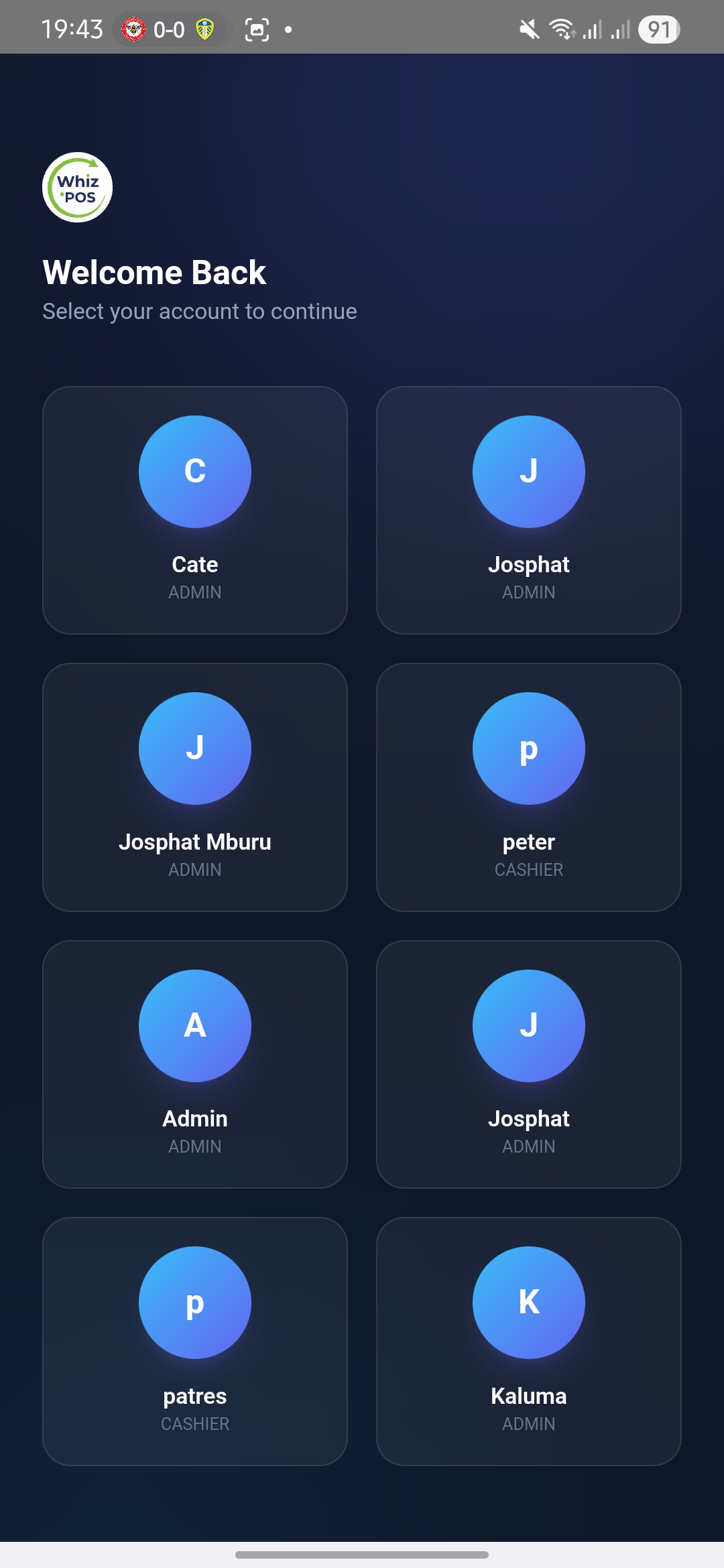
Login Screen
Product Grid
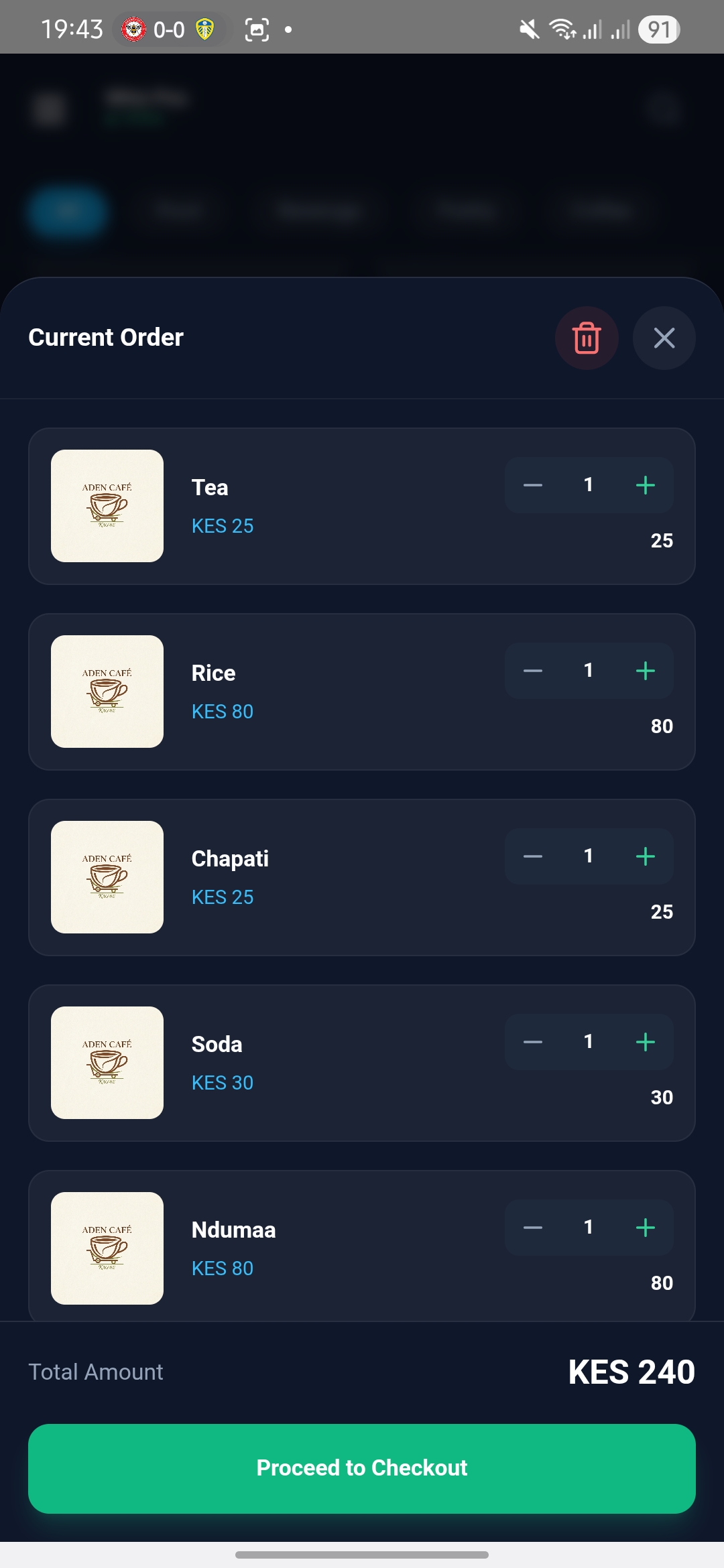
Checkout